Wild Misdirection

Making Wildlife Appear Even More Wild

I consider myself pretty honest and straight-forward – both in business life and in personal life.

So you may wonder why I am writing an article about deception. Maybe this is too harsh a word – let’s just call it misdirection.

Let me explain. Often photographs tell only part of the story. If I am clever, I can photograph a tiger in a zoo by carefully orchestrating the background, lighting, angle and surroundings to make it feel that it was taken in the heart of the Bengal jungle. I might lead you to believe that I shoot for National Geographic.

Following are a few examples of how you might creatively use point of view (POV) to enhance your wildlife photography skills and put you in line for work at the nature magazines.


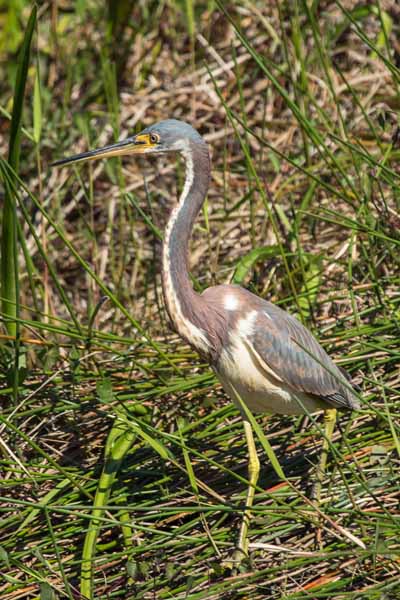
The blue heron on the left was standing across a shallow ravine about 50 feet from me. At that distance it was easy to capture him among his surrounding.

By kneeling down and zooming the lens, I was able to isolate his head and avoid the cluttered background in the above photo.


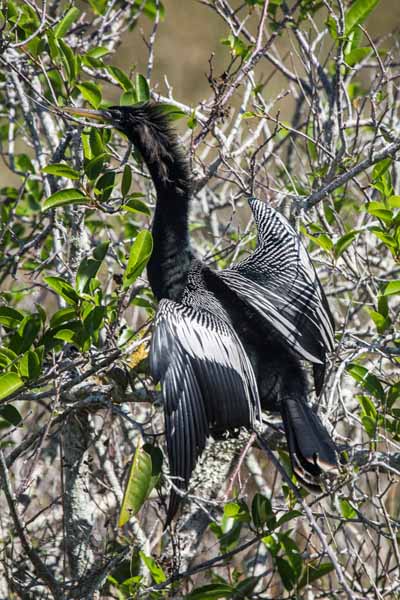
The lovely anhinga on the left was drying his wings on a nearby branch. Again the presence of the branches detract from the fine detail of the bird.

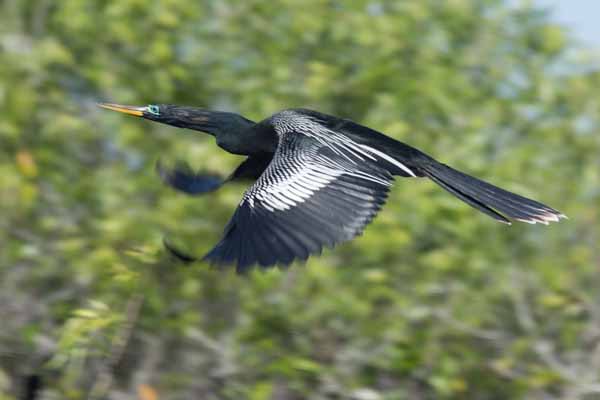
A few minutes of patience paid off. I was perfectly positioned to capture this bird as he became airborne. The trees in the background are blurred by the shallow depth of field. Overall, this photo gives me a better sense of wildness.


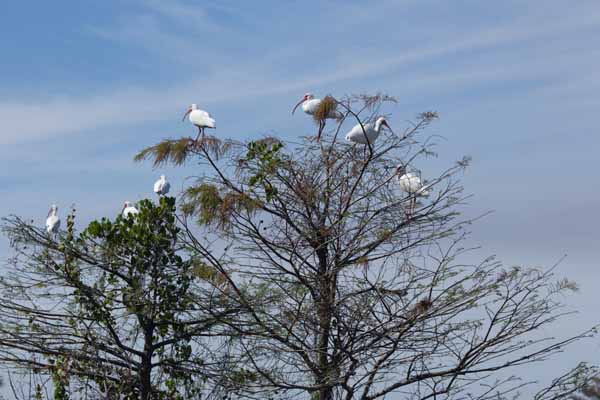
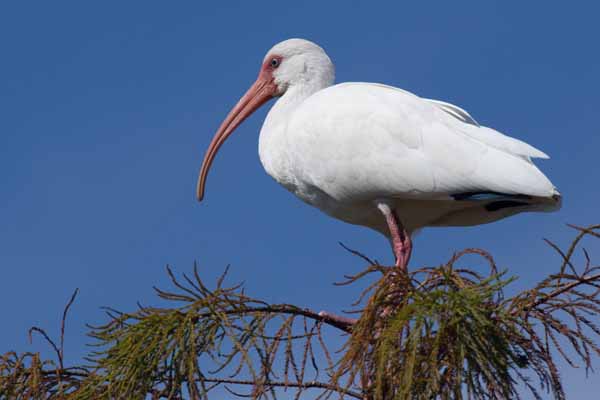
These wood storks in the left photo were very fond of the tree. But somehow photographing a flock of birds in the tree wasn’t the feeling I was seeking. By isolating a single bird using a longer focal length, I was able to maintain more of a sense of wildness.


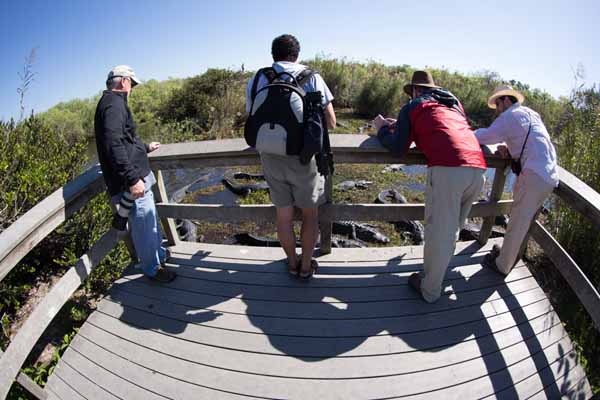
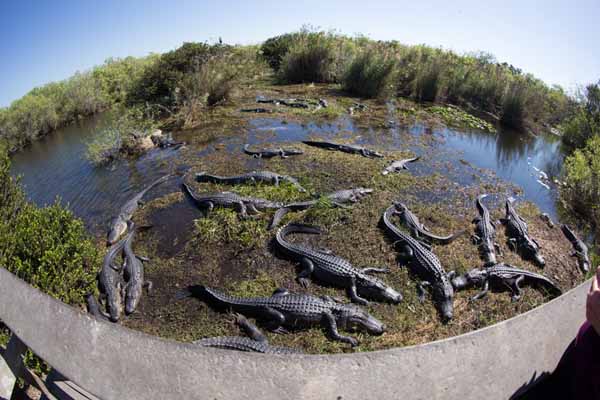
Here’s a series of photos that show that these vicious looking alligators were actually in a tame part of the Everglades. The wood deck protects the visitors from all of these alligators.

Above, without the onlookers, the group of alligators appear in a more “wild” environment except for the inclusion of the wood railing in the foreground.

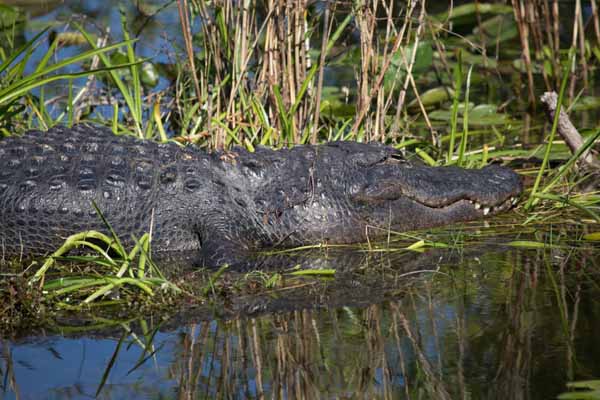
Left, I’ve again isolated the creature from the human elements. I think this method enhances the wildness factor.

Those of you who have already used photographic misdirection, please raise your hands!

Of course, creative point of view can be used for any kind of photography, not just wildlife. So get out there and change your point of view around.

Written by Arnie Lee



Posted in composition, tips, wildlife | Tagged , | Comments Off on Wild Misdirection

Give a kid a camera . . .

You May Be Pleasantly Surprised By What You See


One of our granddaughters has been interested in picturetaking for a several years. Ezra who is eight years old is now on her second camera – her first camera was a low-cost point-and-shoot model but it didn’t quite survive a washing machine cleaning. So now she’s using a “tough” model that claims to be shockproof, waterproof and freezeproof.

Not long ago, she asked me to copy the pictures from her camera and recharge the battery. As I was copying the images from the SD card, I realized that these were photos that she had taken months ago. The earliest ones dated back to last summer’s vacation, a few other road trips and other events since then.

I studied the more than three hundred of her thumbnails. Frankly, I came away quite impressed with many of her photos. They showed her ability to pick varied subjects, frame carefully from her lowered point of view (she’s about 40″ tall) and snap at an interesting time.

I thought it would be helpful if I picked a few dozen of her photos to show to you with an quick explanation of when and/or where they were taken (as far as I can remember). For the most part the photos are unretouched with some cropping.

Without further ado, here are some of the “Best of Ezra”


On one of the school outings, her class visited a nature preserve. Here’s some of the flora that she caught her attention.

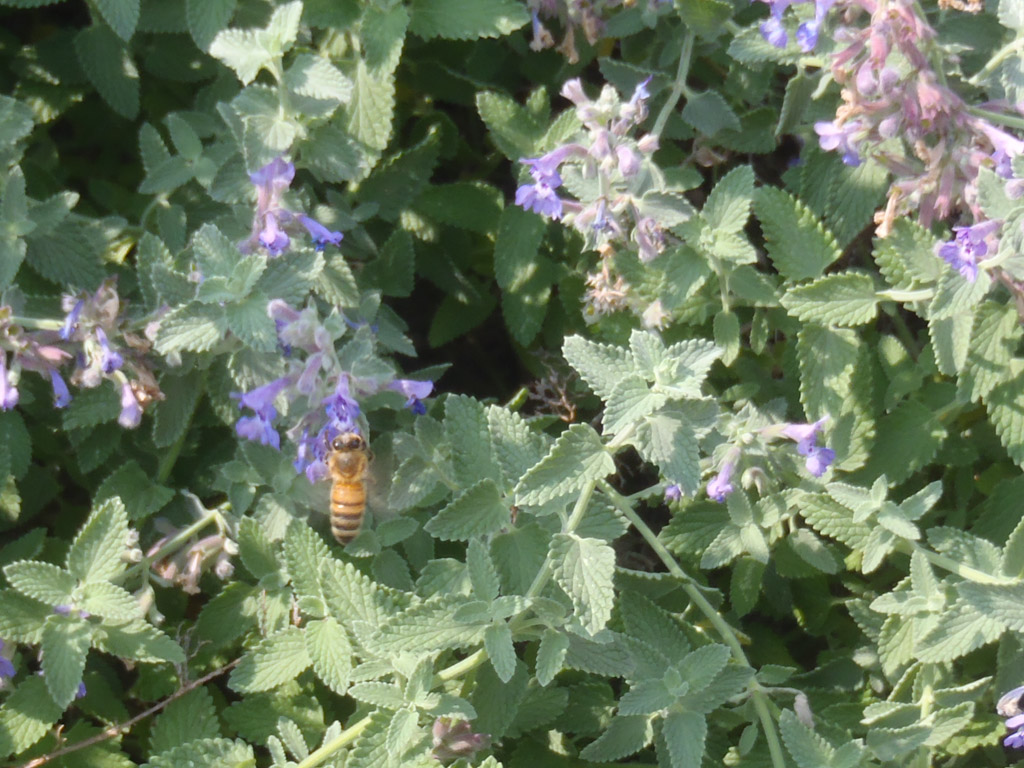
It looks as if Ezra also caught this yellowjacket sucking nectar from the flowers.

At an art festival she apparently liked the metal horse sculpture racing in the river.

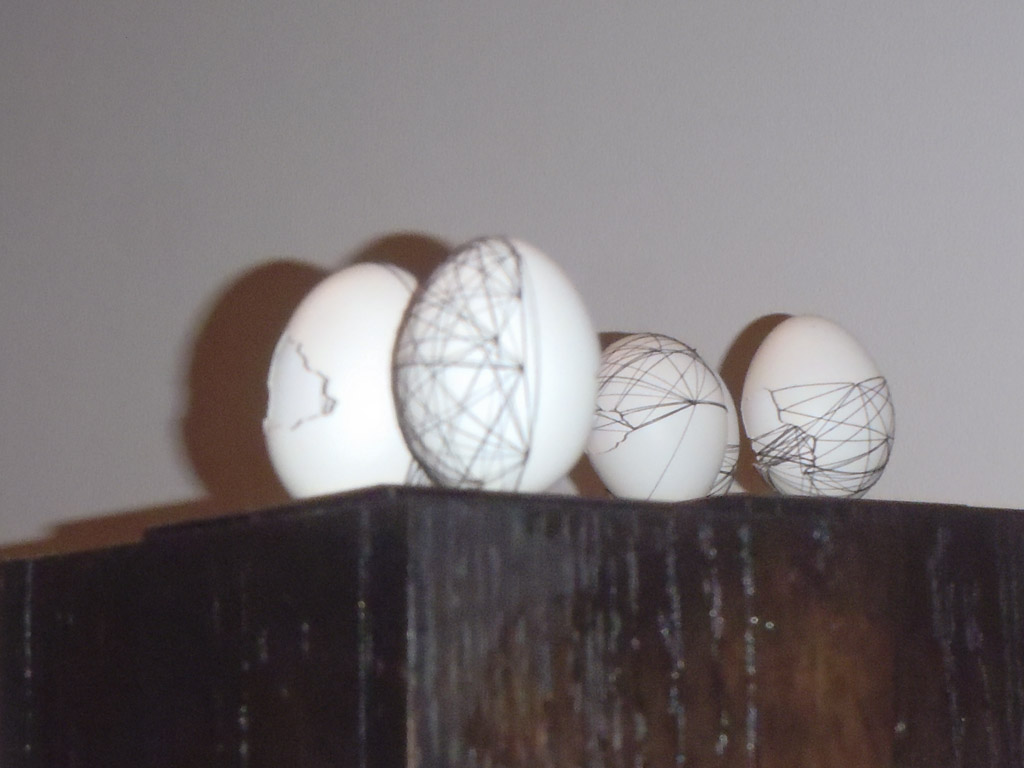
This is another display of artfully decorated eggshells

After viewing the eggshells, Ezra talked to and photographed the artist.

This artist was apparently tired after talking to Ezra and other patrons for hours on end. Ezra captured her stealing a little rest.

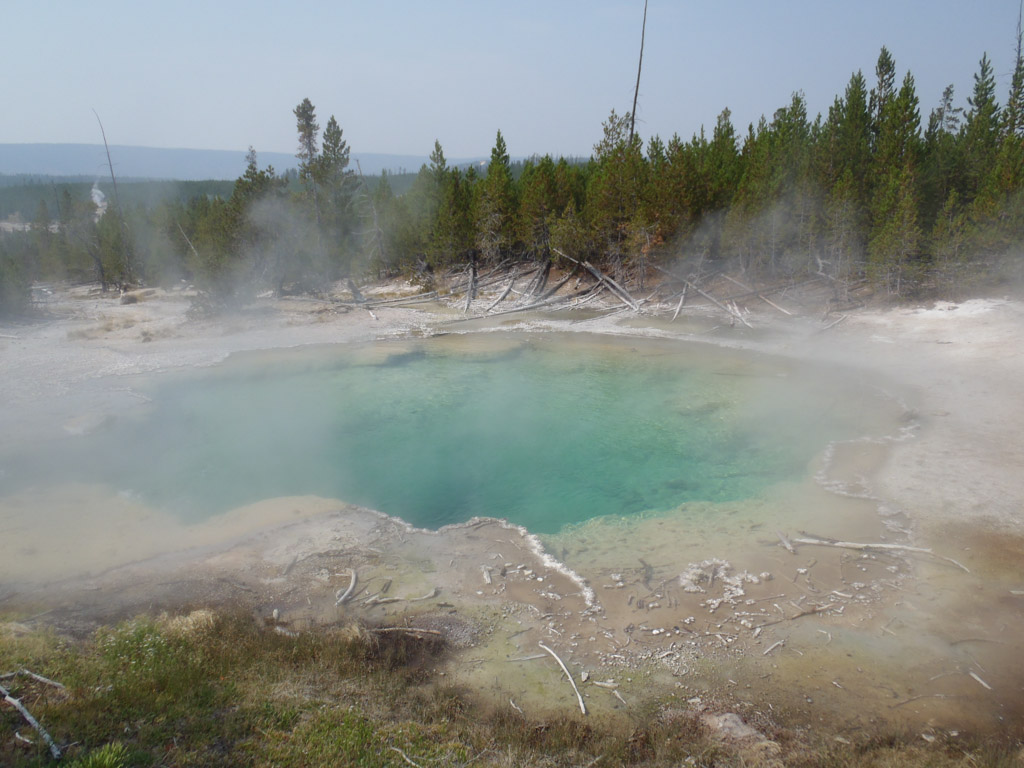
One of the stops on our summer vacation was in Yellowstone National Park. This is one of the bubbling geyers in the north end of the park.

And you can see that tiny details don’t escape her either.

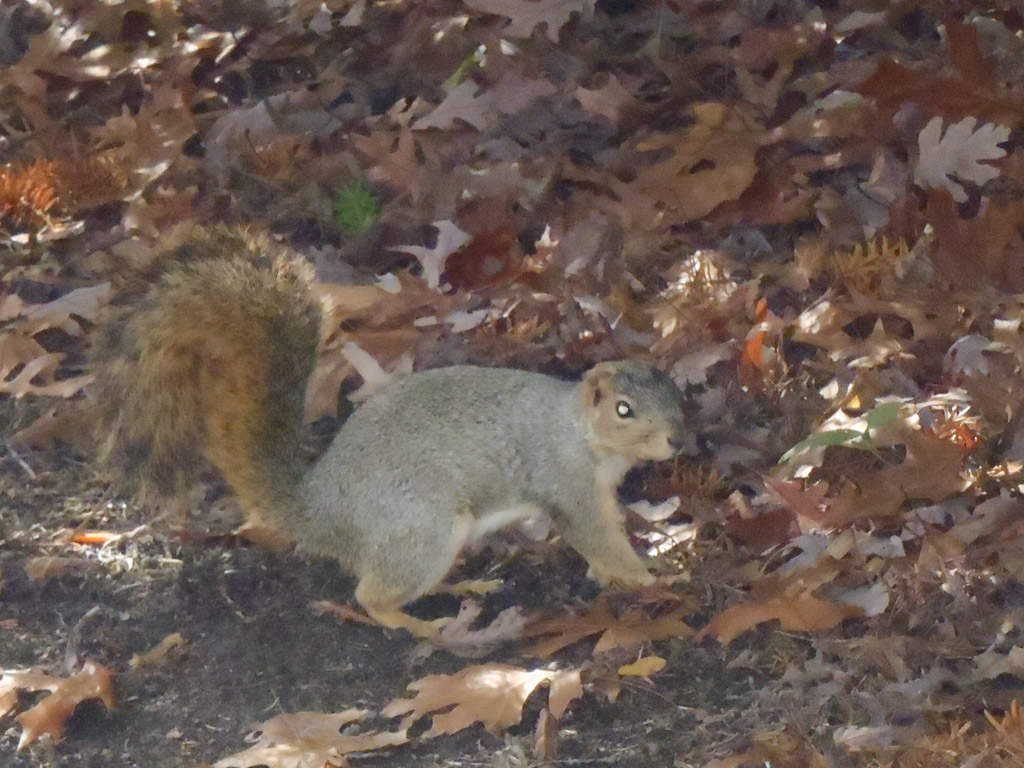
I’m surprised that the squirrel allowed her to get so close to her. She took five other photos at this close range too.

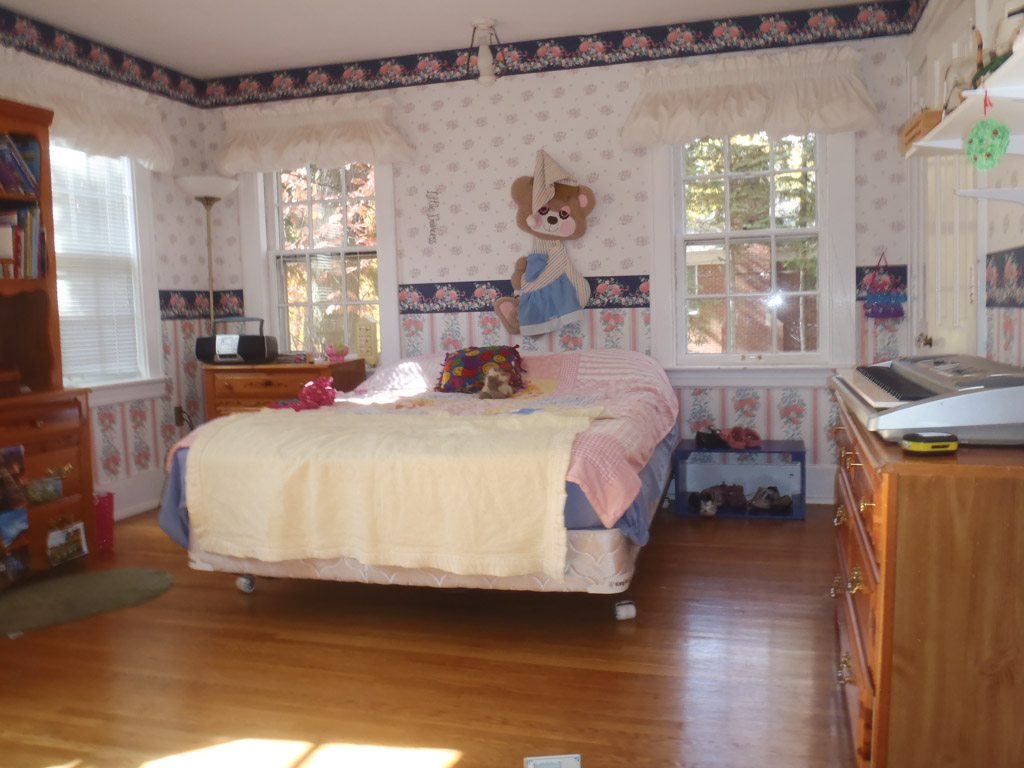
During play, she stopped to take a picture of her younger sister’s bedroom.

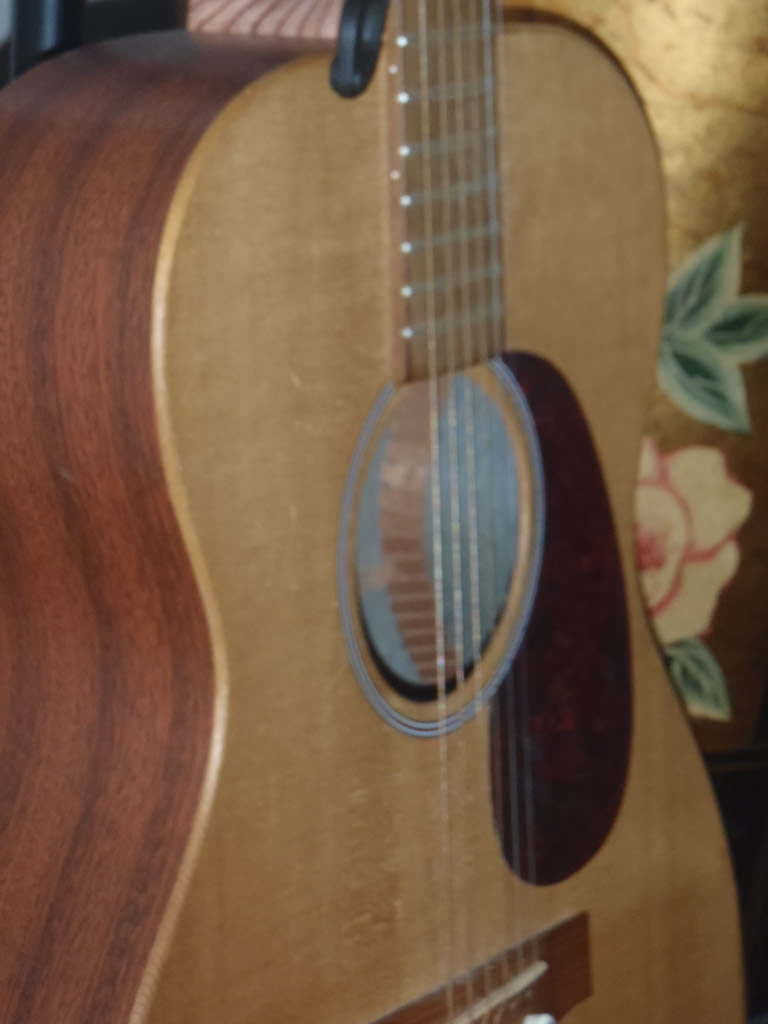
Inside she wanted a closeup of the standing guitar.

Here’s one of Ezra’s schoolmates. She frequently takes her camera to school to records the class trips.

This is one way for her to record a drawing that she enjoyed creating.

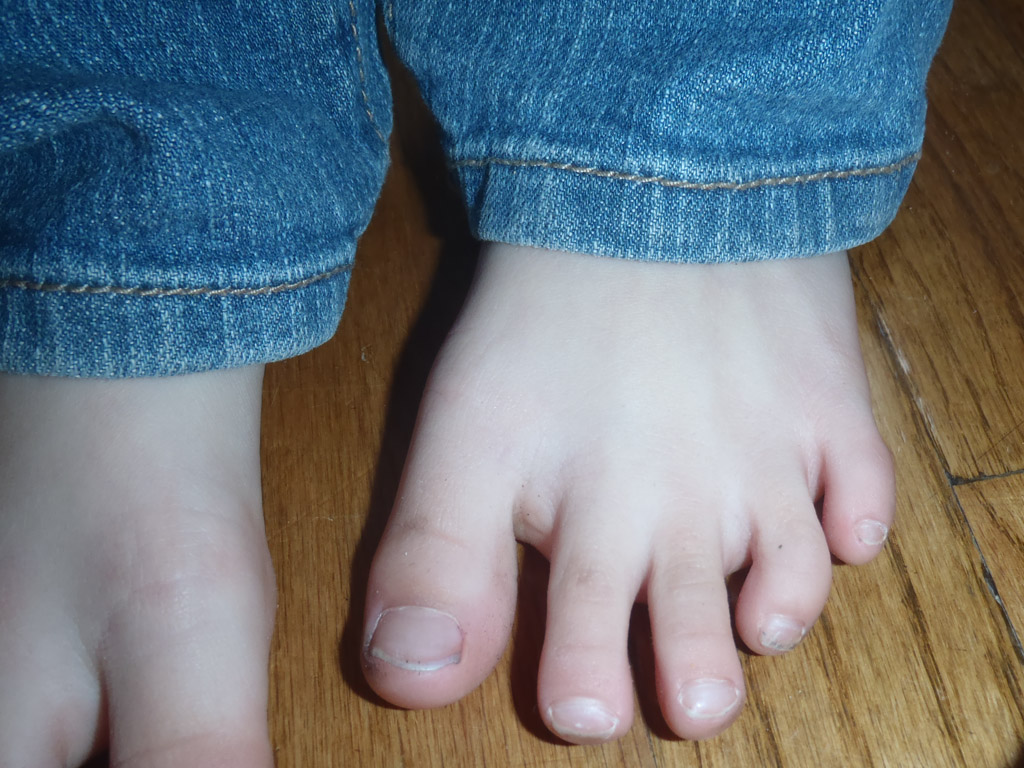
It was fun for her to photograph her sister’s feet.

…Or the other way – keep your head pointed upward.

Sometimes it’s interesting to keep your head pointed downward.

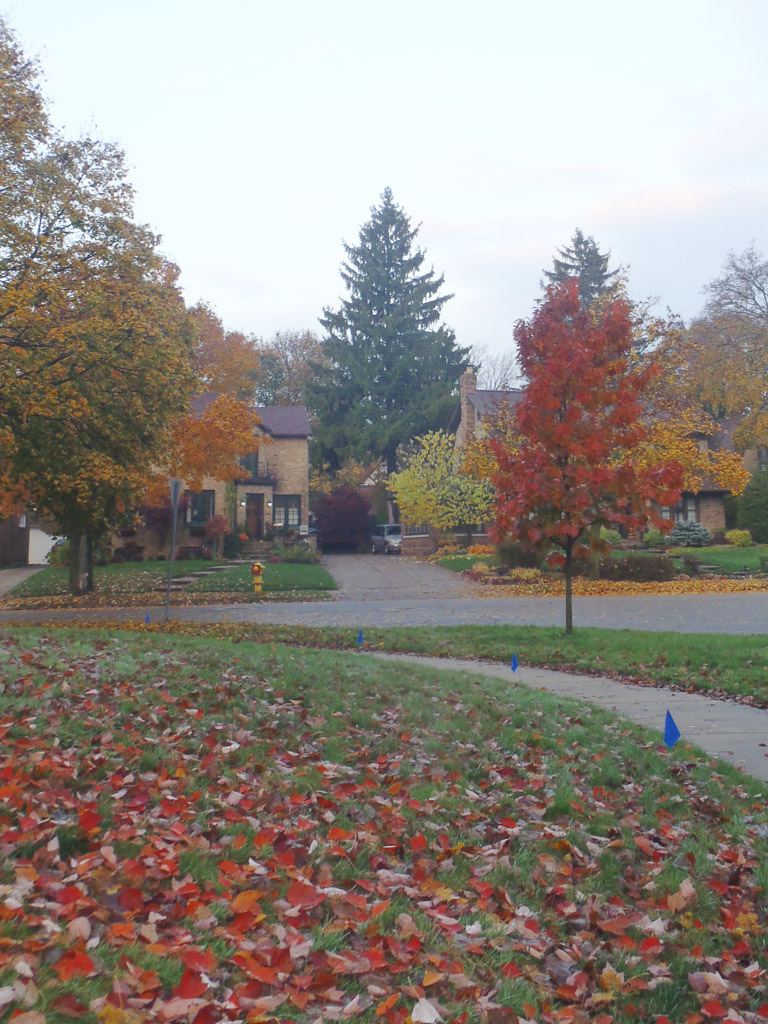
This picture shows that she’s keenly aware of the change of seasons.

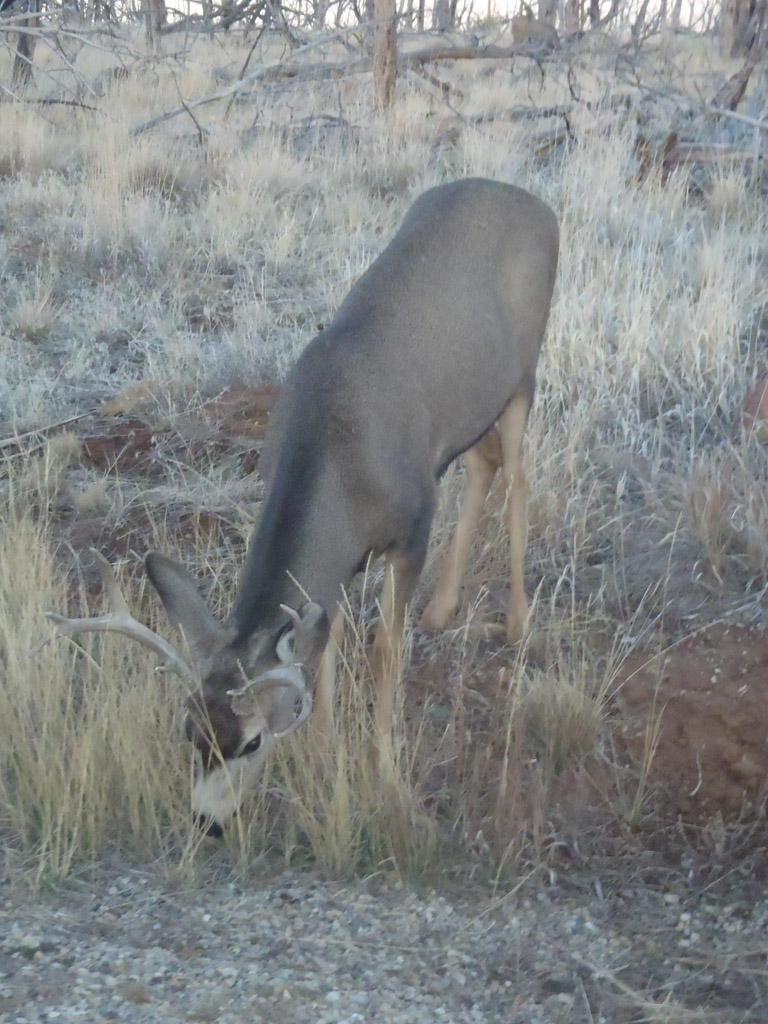
On a cross-country trip we first stopped in Mesa Verde where she saw this mule deer grazing by the roadside.

Bright flowers nearby in southwestern Colorado.


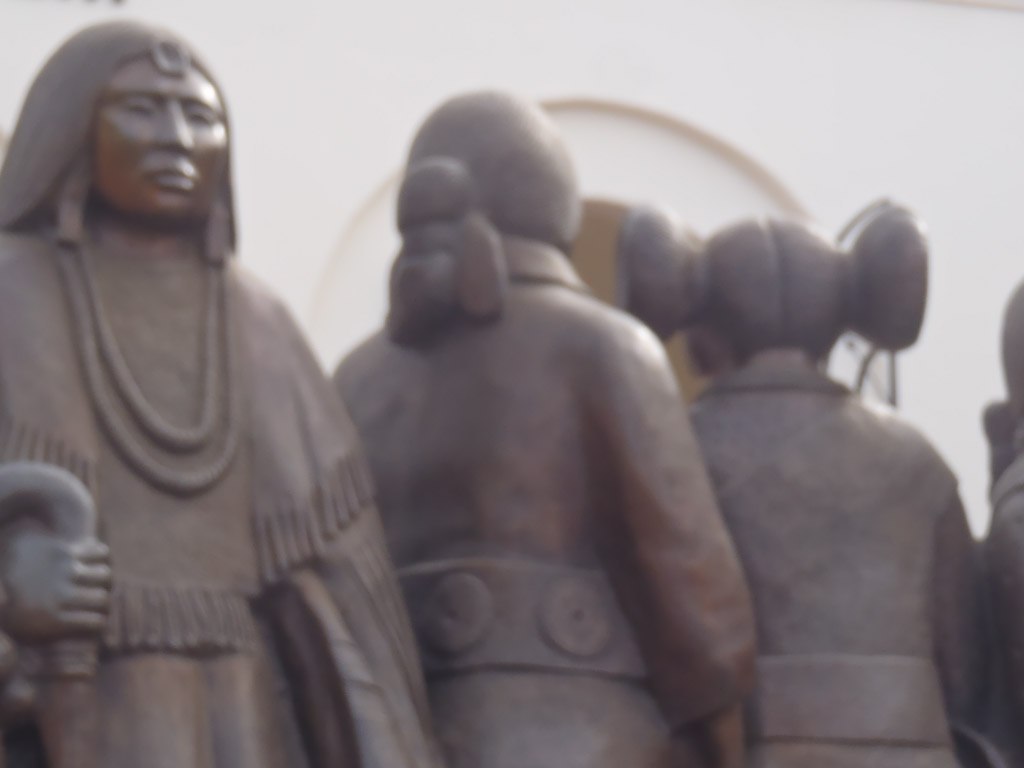
At the Native American museum in Tuba City, AZ.


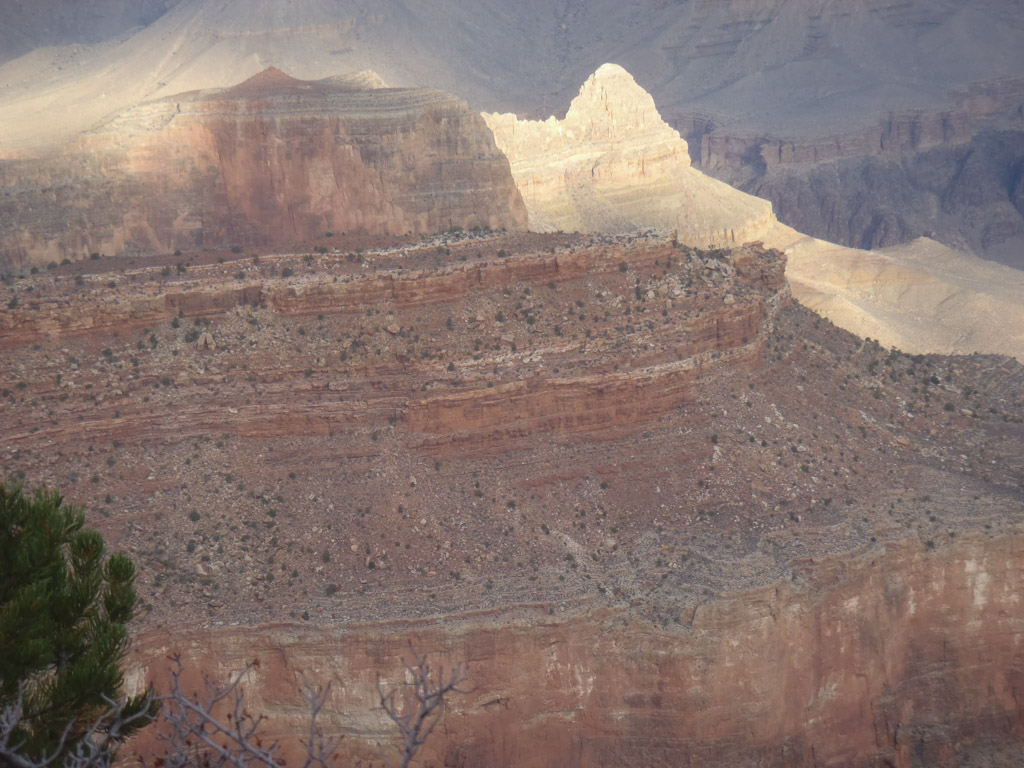
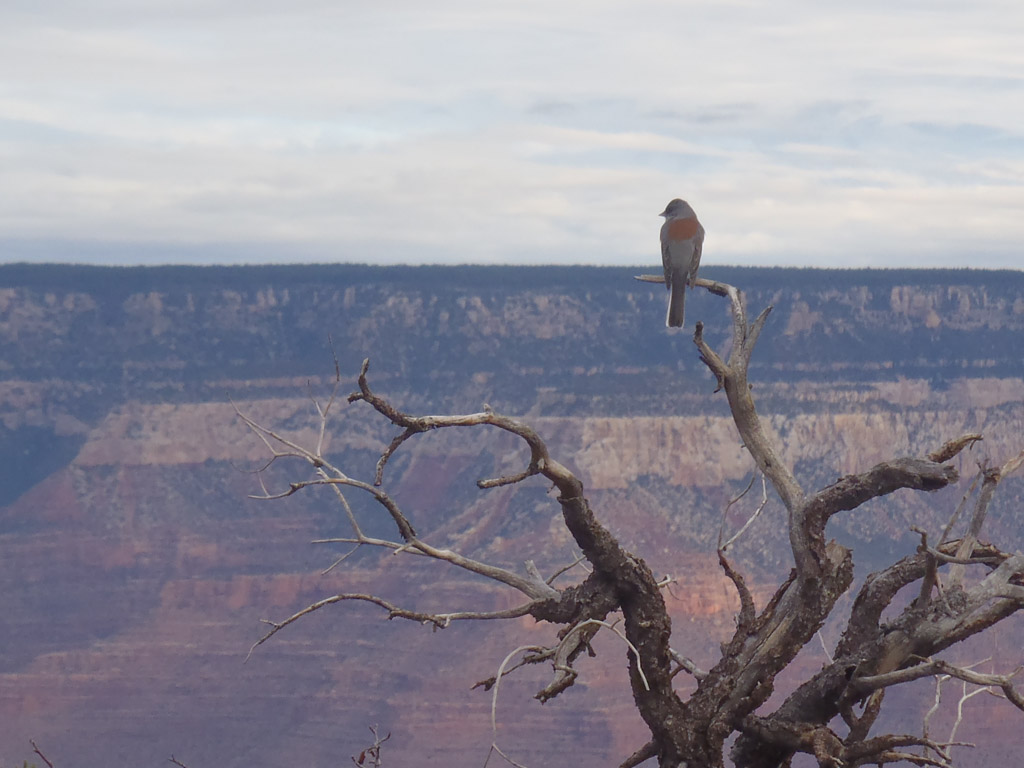
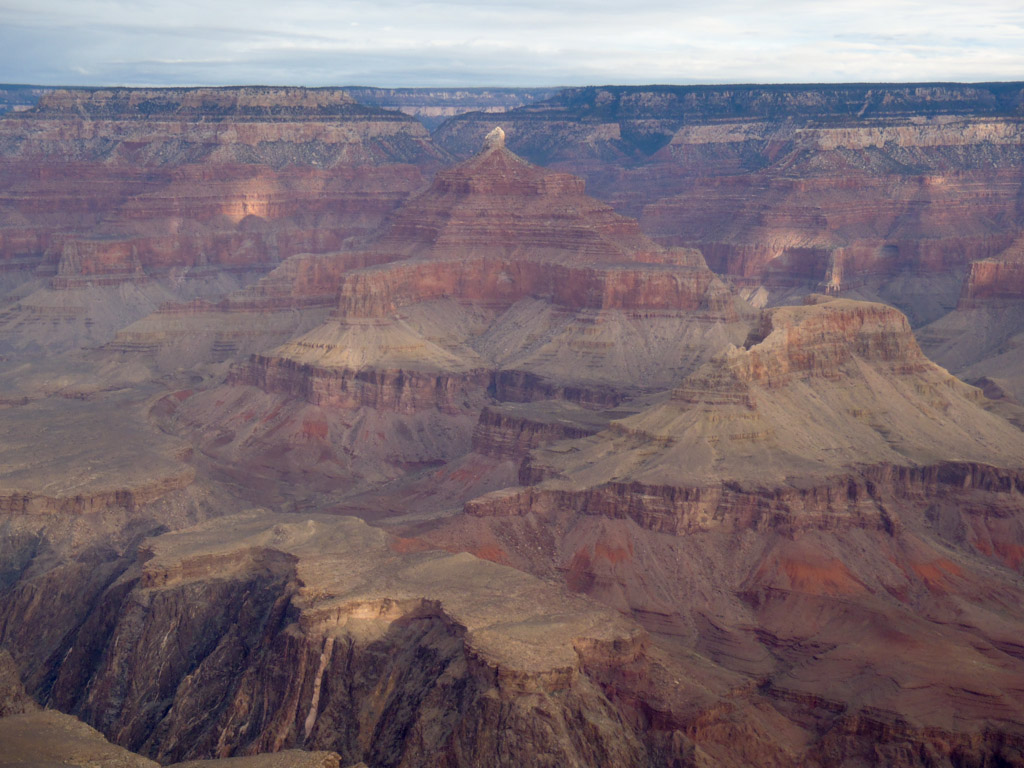
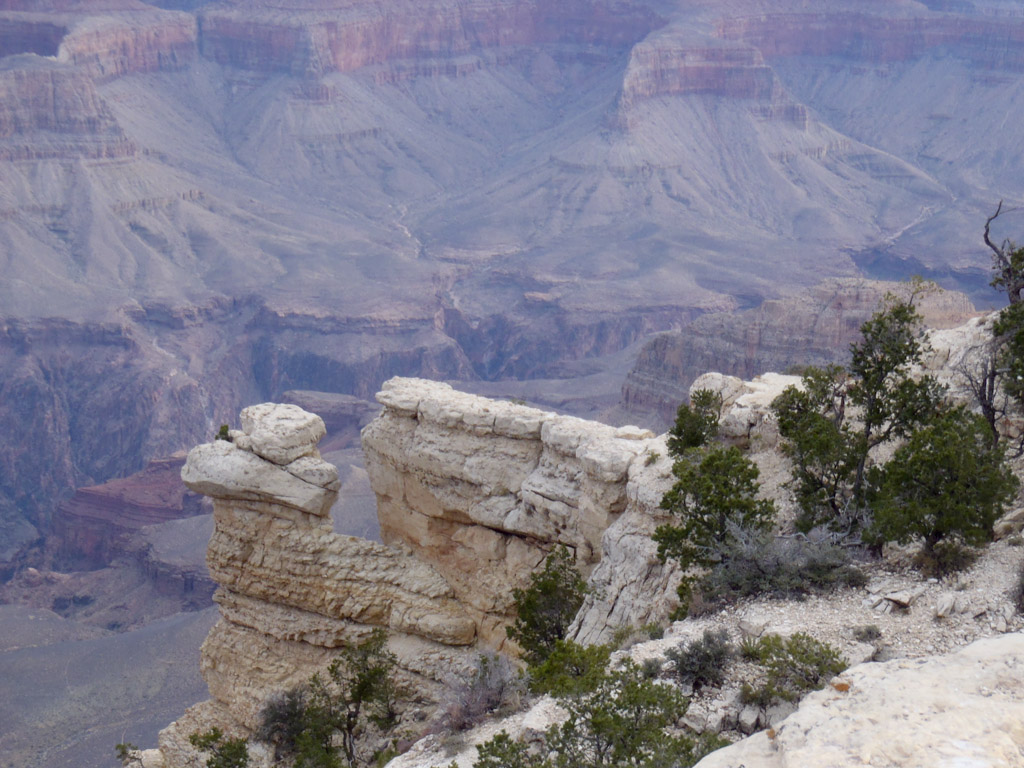
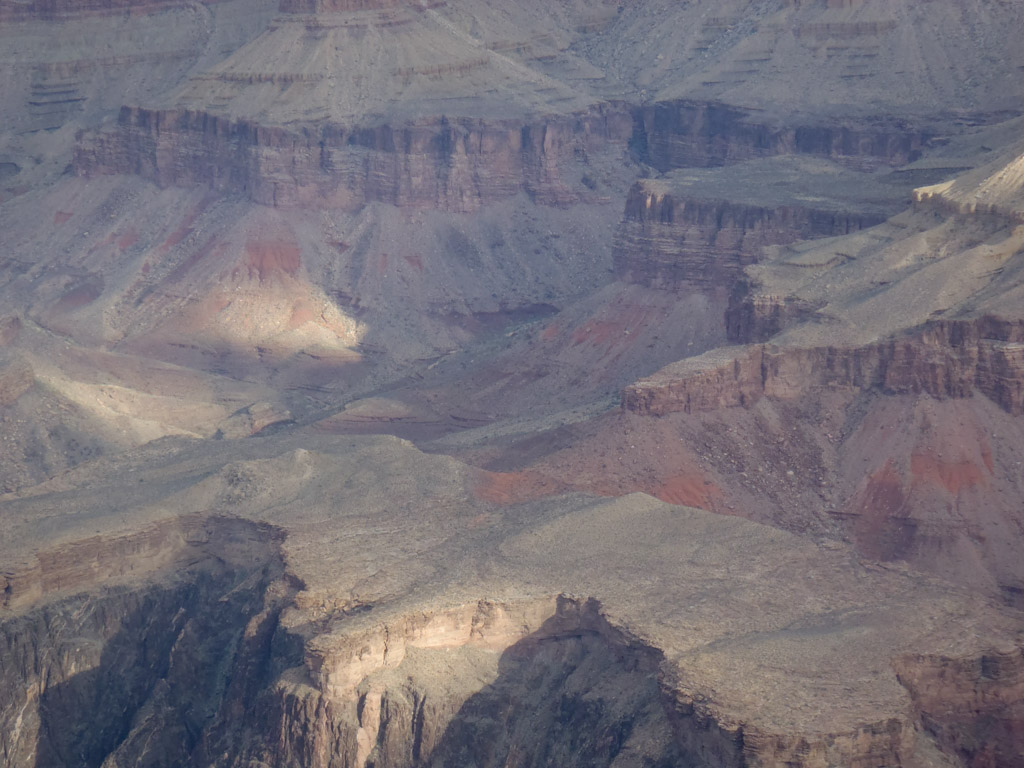
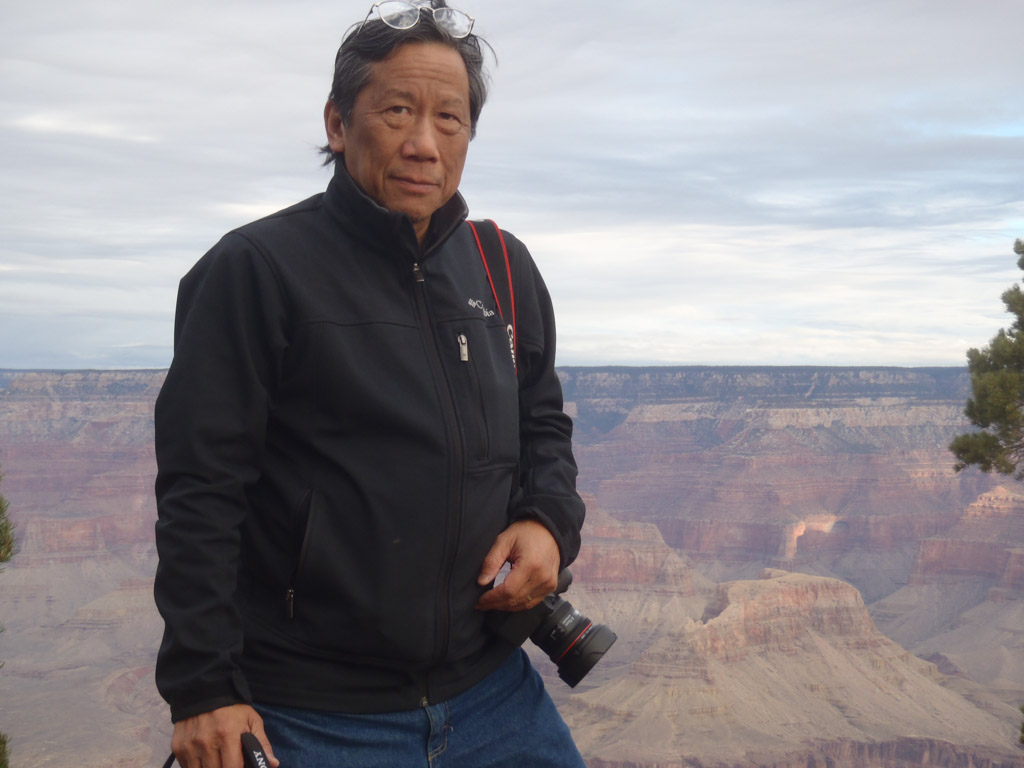
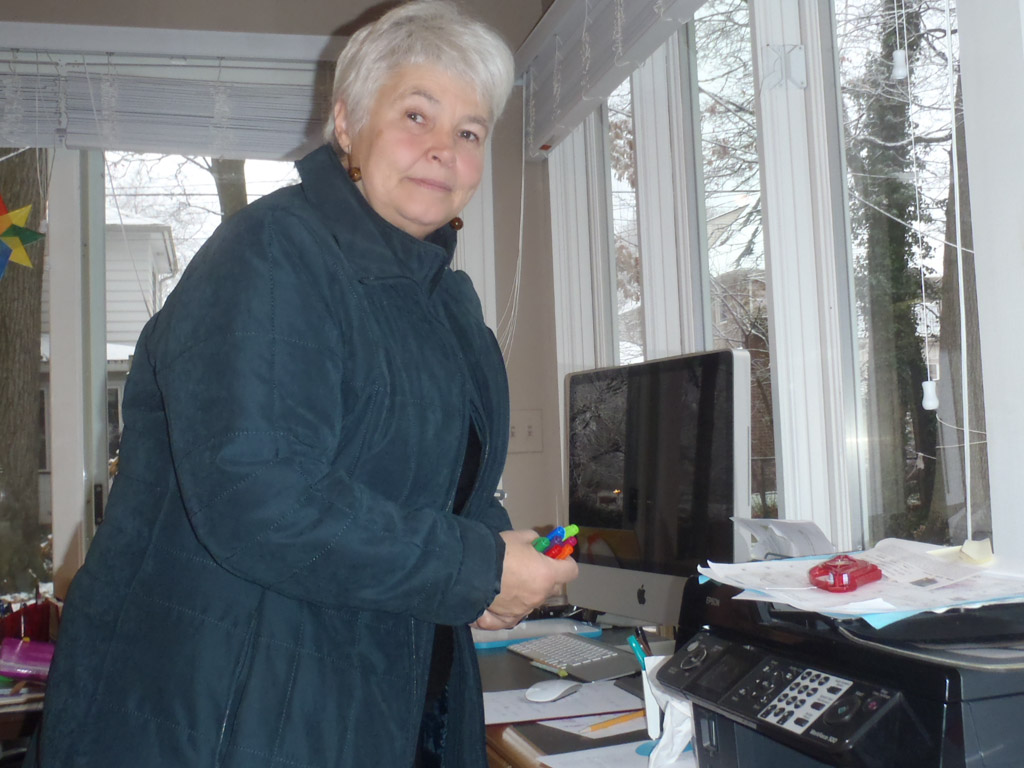
As you can see below, Ezra really put her camera to work in the Grand Canyon.


Grandpa

Grandma


Ezra has promised to take good care of the camera. It’s an Olympus Model 6020 and is very rugged. It’s been dropped many times and just like the advertisements claim – it remains fully operational.

And as you can see, an eight year old is fully capable of capturing memorable images. Give the kid a camera!


Written by Arnie Lee


Posted in informational, kids, personal | Comments Off on Give a kid a camera . . .

Going Wireless with the Canon 6D

Earlier this month I visited several of the photo equipment manufacturers at the annual Consumer Electronics Show. Of course the two majors are Canon and Nikon. And while sales by other camera makers including Sony, Olympus, Pentax and Fuji trail by a large margin, new features continue to arrive rapidly among all new models by all manufacturers. This year, one feature that was common in many models is the addition of wireless functionality.

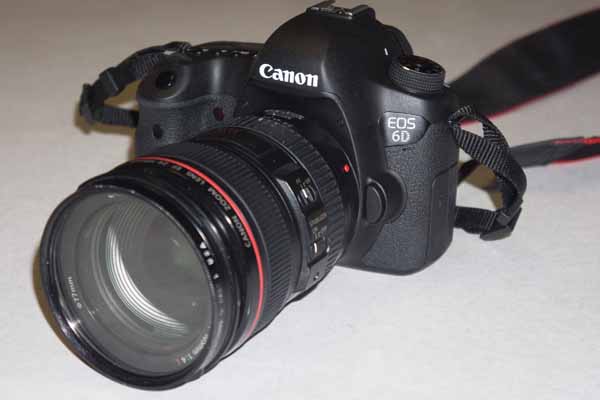
Since CES, I’ve acquired and tested two of the new DLSRs with wireless capabilities: the Canon 6D and the Nikon D600.

Here’s a quick report on how wireless works with the Canon 6D.

The 6D is the newest DSLR from Canon. Its full-frame sensor has a resolution of 20MB with good low light performance. Its autofocus system uses 11 focus points. Compared to it’s bigger brother the 5D Mark III, it is smaller in size, lighter in weight and less expensive.

The two “new” built-in features are the GPS receiver and its wireless capability. Having GPS automatically adds location information (latitude, longitude and altitude) to the EXIF data of the images.

My interest in the 6D was to see how its wireless capabilities worked.


The Canon 6D can communicate wirelessly with several types of devices: another camera, a smartphone, a printer, a web service or a DLNA device.

For this review I’ll describe my experience connecting with a smartphone. For wireless, there’s a few preliminaries that have to be performed.

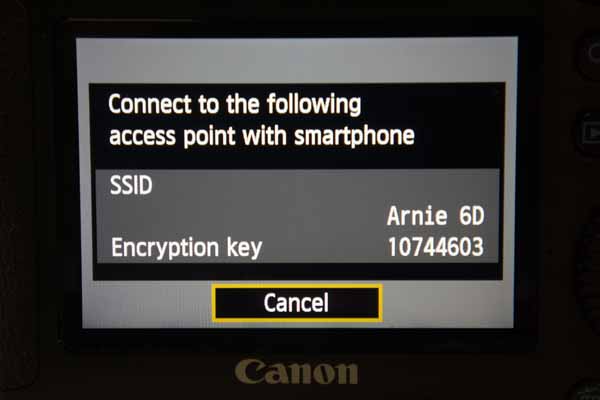
The first is to give the 6D a wireless identifier. This step takes just a few minutes using the menus on the back of the camera. Here I’ve set it up with the identifier “Arnie 6D“.

By completing this step, the 6D is now its own wireless station.


The 6D can be used with either an Android or iPhone smartphone.

You’ll first have to install the free EOS Remote app for your particular smartphone.

In my case, I installed the app onto my iPhone.

Using the Settings menu on the iPhone, you connect to the camera with Wi-Fi. Look for the camera’s identifier – Arnie 6D.

For security, you’ll have to enter the Encryption Key to establish the connection.


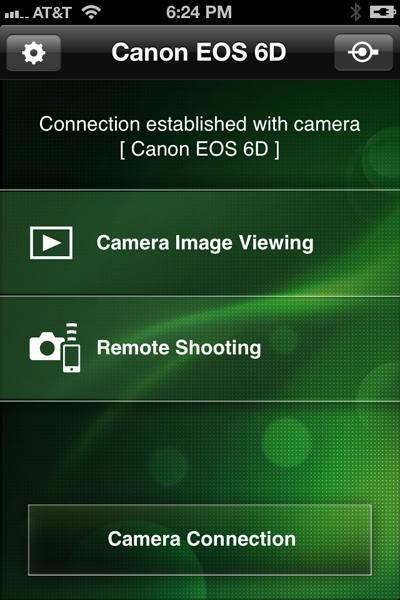
After the camera and smartphone are connected, the EOS Remote app is ready to use.

It can perform two different functions.

Firstly, you can view the images that have been captured with the 6D.

Secondly, you can use the smartphone as a remote shutter release.


Viewing Images from camera

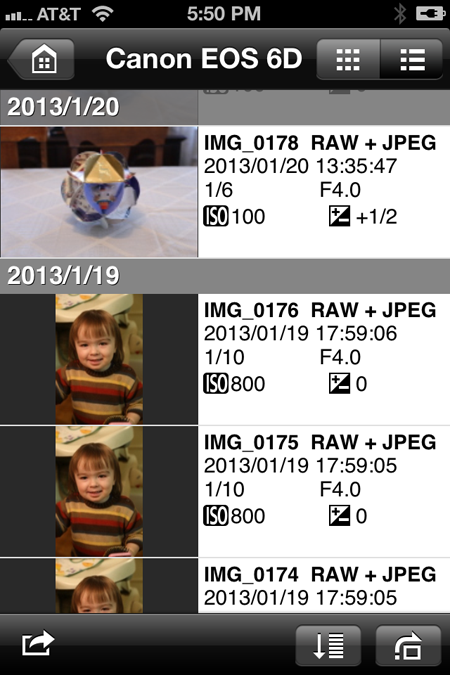
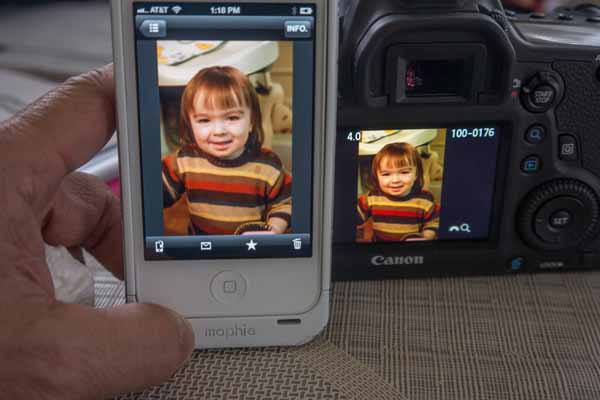
Choosing Camera Image Viewing brings us to a screen on the smartphone that looks like this.

By default the thumbnails are ordered by date but this can be changed to order them by rating (1 to 5 stars) or folder (if multiple folders are on the camera’s SD card).

In addition to the thumbnail, the technical data each image is also presented. This is helpful if you plan to evaluate the images while still in the field with the purpose of adjusting the settings.


Tapping one of the thumbnails presents a larger version of the thumbnail. For each image you can:

  • Download – to smartphone (1920 x 1280 jpg)
  • Email – send image with a text message
  • Rate – 1 to 5 stars
  • Delete – removes it from the camera

    Capturing Images using the smartphone

    Your smartphone can be used as a remote shutter release with extra capabilities.

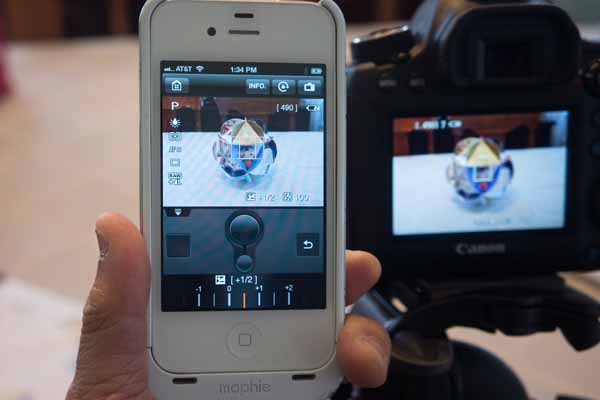
    Here I’ve set the camera on a tripod.

    Choosing Remote Shooting activates the 6D Liveview. The smartphone then presents the same view as the camera.

    By tapping on the different areas of the smartphone screen, I can change the autofocus.

    Depending on the 6D’s mode setting I can also change the ISO, shutter speed, aperture and exposure compensation using the smartphone.

    Another simple tap and the camera shutter is released.


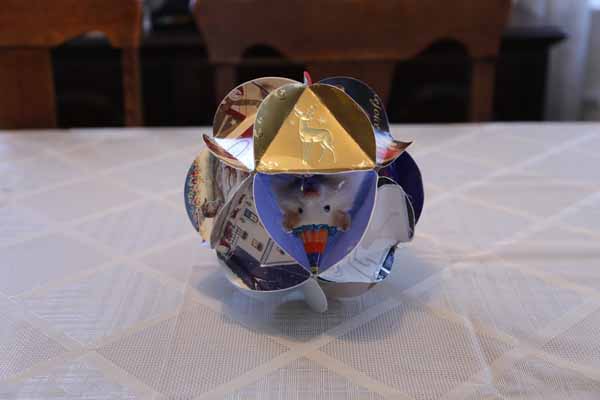
    Here’s the image that I took remotely.

    And of course, the just captured image is immediately available if I change back to EOS Remote’s Camera Image Viewing.


    There’s nothing earth shattering with this wireless capability. Yes, you can easily transfer images from the 6D to your smartphone and send them via email to others. And yes, it allows for backup, however the images are reduced to a smaller 1920 x 1280 jpg size.

    I’ll cover more soon in another article about the Canon 6D’s wireless capability with a computer.

    Also in the works is an article about the Nikon D600’s wireless capability.


    Written by Arnie Lee


    Posted in equipment, informational, review, technical, tips | Tagged , , , , , , | 3 Comments