Running out of Ink?

I quickly get tired of using my computer monitor to show others a photo or two. Of course one way to “fix” this is to make prints of these pictures. But this brings up another problem – making a bunch of prints quickly drains my ink cartridges and puts a dent in my wallet too.

A few weeks ago, I saw an advertisement for a printer that uses large, refillable ink tanks. My only hesitation was about the quality of the prints from a relatively inexpensive printer. With a money-back guarantee, I decided to go for it.

Sitting on my computer’s desktop is a folder labeled “To Be Printed”. As I take snapshots or find an interesting image, I drop it into this folder. By the time the printer arrived, I had accumulated close to a hundred images.

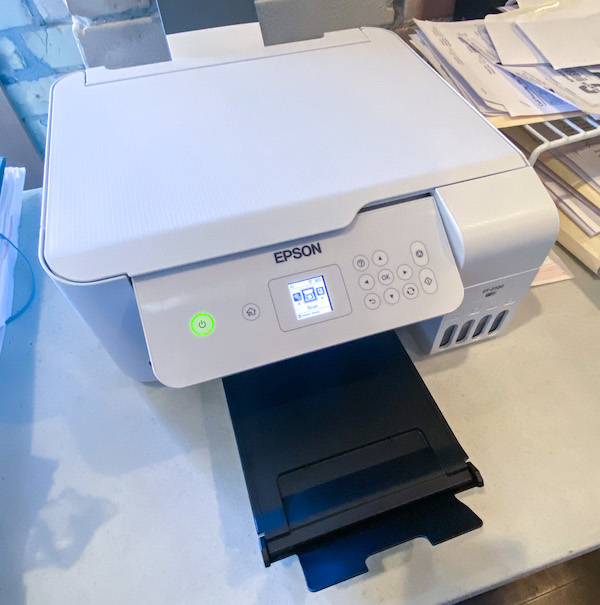
Here’s my experience with the Epson Ecotank 2720


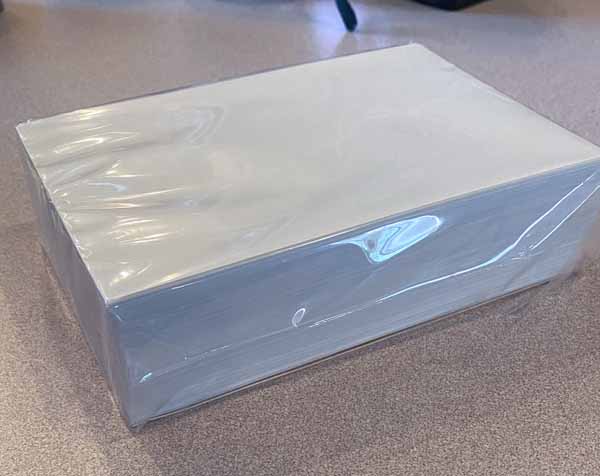
The printer itself is quite compact but capable of printing onto 8-1/2″ x 11″ media. I purchased the printer primarily to make smaller prints. Here’s my stack of 4″ x 6″ glossy photo paper.


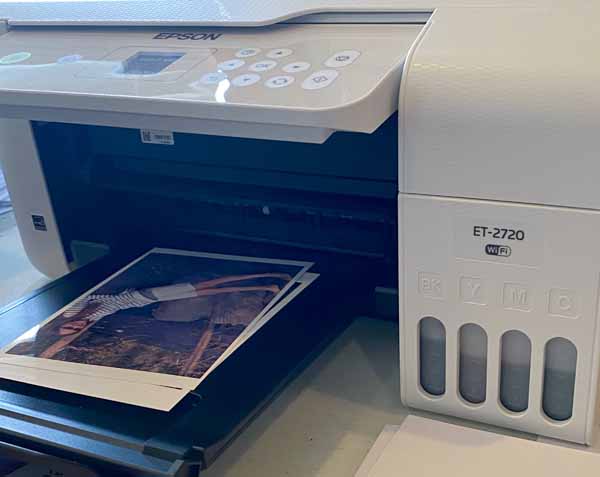
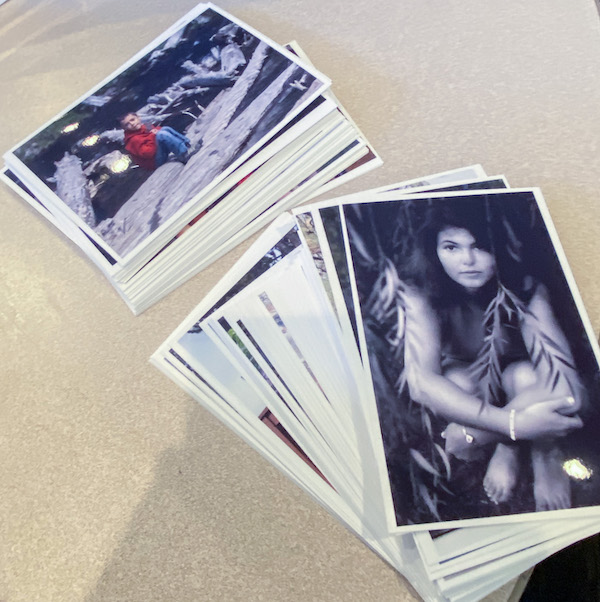
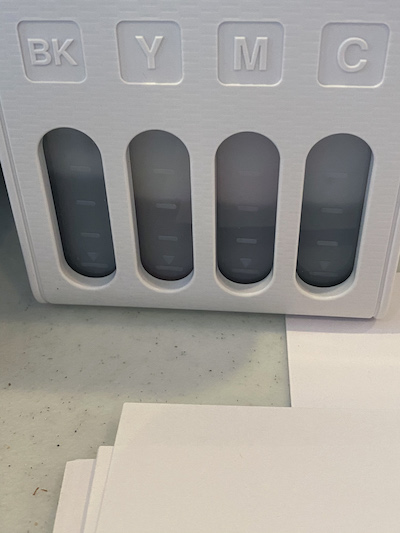
These are the first couple of prints that I made. Note the initial ink levels on the front of the printer.

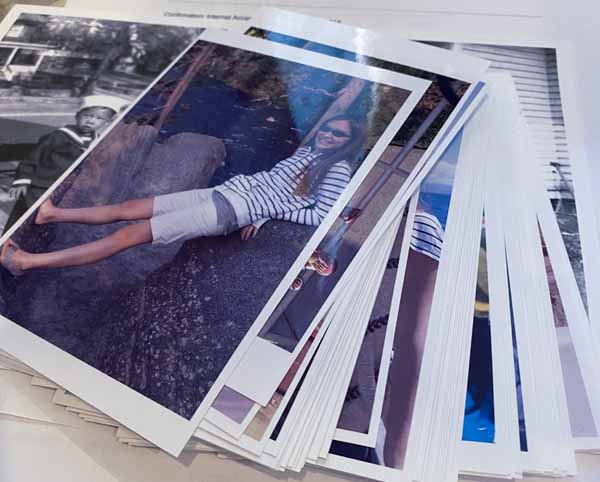
During my first session with the new printer, I made about thirty 4″ x 6″ prints.


I found the print quality to be very good for both color and black and white images.

After printing my stack of 100 of so images, the ink levels dropped only slightly.

Epson claims that out of the box the printer includes enough ink for about two years of “normal” printing. My guess is that the ink will not last that long for the type of printing that I intend to do. Refills cost about $50 per set.

To date, I’m happy with this printer which set me back $200. Compared to other ink jet printers this is more costly, but factoring in the significantly lower cost of ink and the sparing me the inconvenience of having to run to the office supply store to get a replacement cartridge, I feel that this was a good purchase.

The printer is “attached” to my computer via wi-fi so there are no cables to worry about. It also doubles as a copier and has a built-in scanner too.


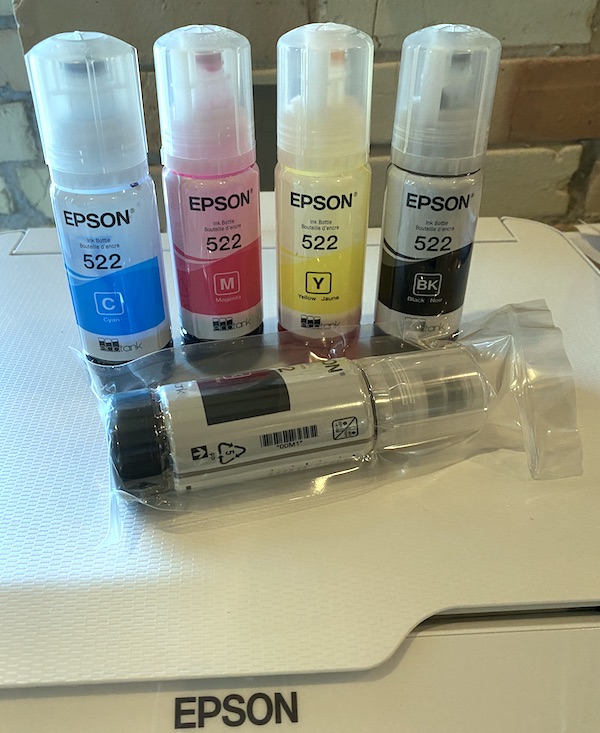
The printer ink is delivered in four containers – cyan, magenta, yellow and black with an additional black container.

Epson claims that they provide enough ink
Posted in equipment, informational, photographs, presentation, review, tips | Tagged , , , , , , | Comments Off on Running out of Ink?

The Smithonian Collection

To My Surprise

A couple of years ago I opened an email from a curator at the Smithonian Institution. Preparations were underway to open their National Museum of African American History & Culture and she was asking for permission to use a photograph that I had taken in 1970.

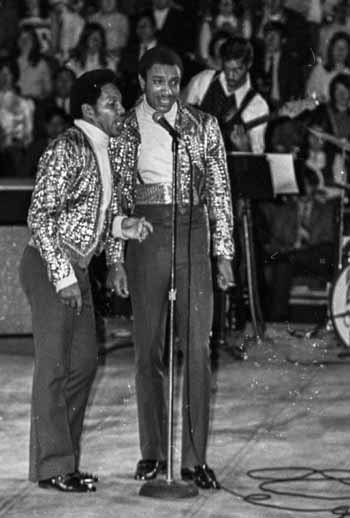
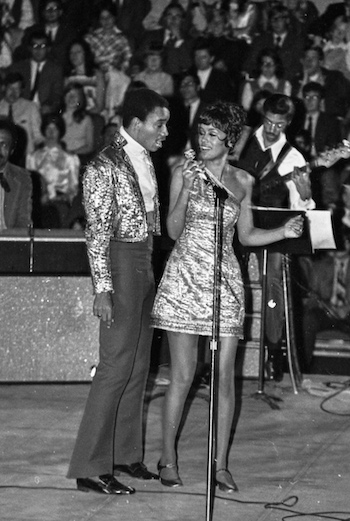
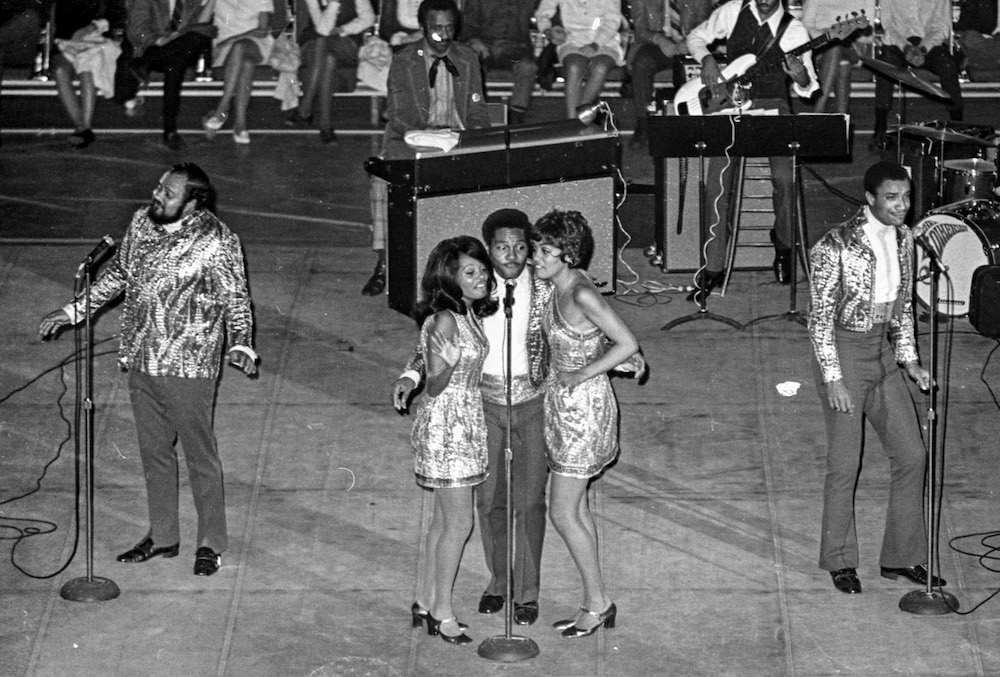
Let’s go back 45+ years. Then I was a student at the University of Michigan and a volunteer for the University Activities Committee. I was assigned to cover the Martin Luther King Jr memorial concert where the popular Fifth Dimension would perform. I was armed with a press pass and free to move throughout the huge stadium. But I was careful to avoid annoying the audience as I roamed around the stage area to get to different vantage points. And so I took a few dozen rolls of film that evening.

In 1970, as a 20 year-old youngster this was just plain fun for me. Nonetheless it amazes me that an event from long ago resurrected itself so many years later.

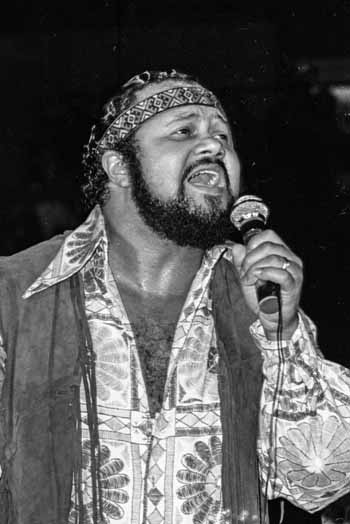
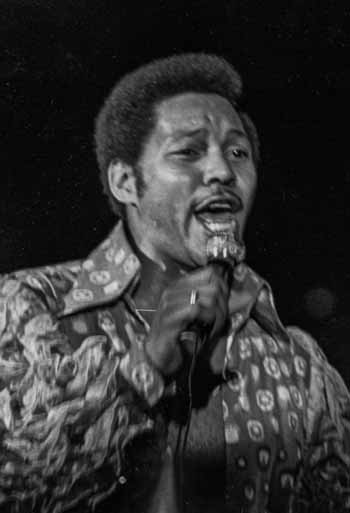
Anyway, here are some of the shots from that evening that led to the inclusion of my photo in one of the Smithonian Museums.


This photo has been on display at the NMAAHC of the Smithonian


Billy Davis Jr and Lamonte McLemore

Lamonte and Marilyn McCoo


Florence LaRue and Marilyn McCoo

Ron Townsend


Florence LaRue

Billy Davis Jr


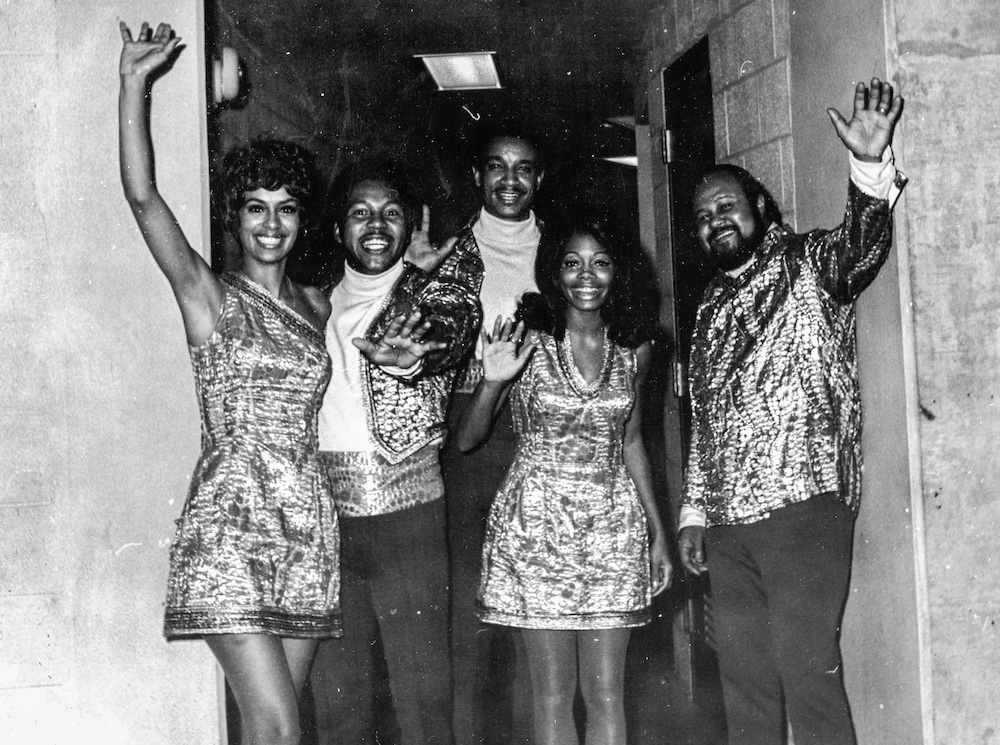
I was able to speak to the group briefly backstage after the concert


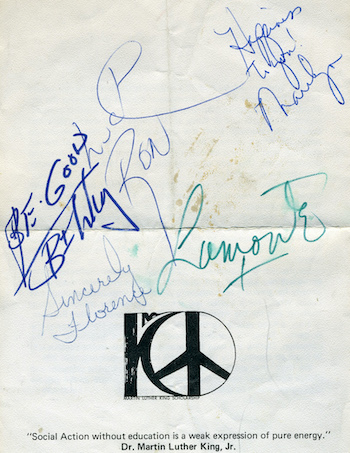
And I was lucky enough to get their autographs too.

Posted in informational, personal, photographs, stills | Tagged , , , , , , , , , | 1 Comment

What to do with your Photos

Using Smaller Frames

On my computer desktop, I have a folder labeled “To Be Printed”.

Every once in a while as I’m editing my photos, I’ll drop a copy of a favorite image into the folder. As the number of images within the folder grow, I feel compelled to make prints and get them up on the wall.

Years ago I realized that I didn’t have to always make huge prints. By printing smaller sizes more photos would see the light of day and keep from setting my wallet back too much.

To make best use of the limited wall space, I started to use sets of identically sized frames. They are light weight with glass or plexiglass to protect the prints and easy to hang.

A few of the favorite photographs get special treatment – they are printed in a larger size.


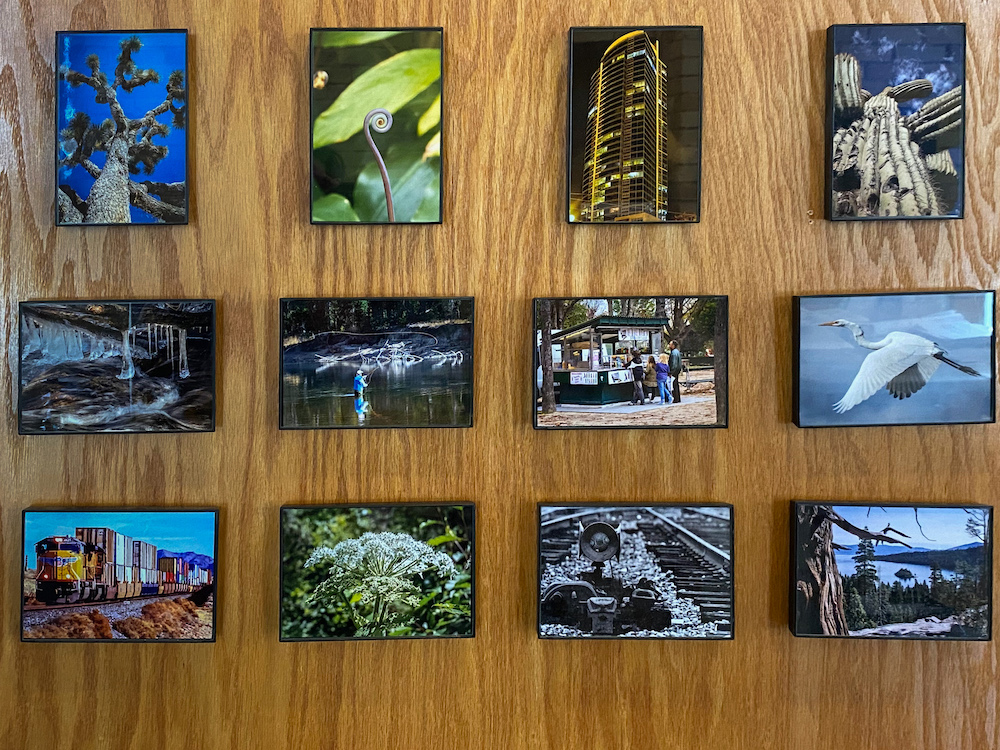
these are all 4″ x 6″ prints


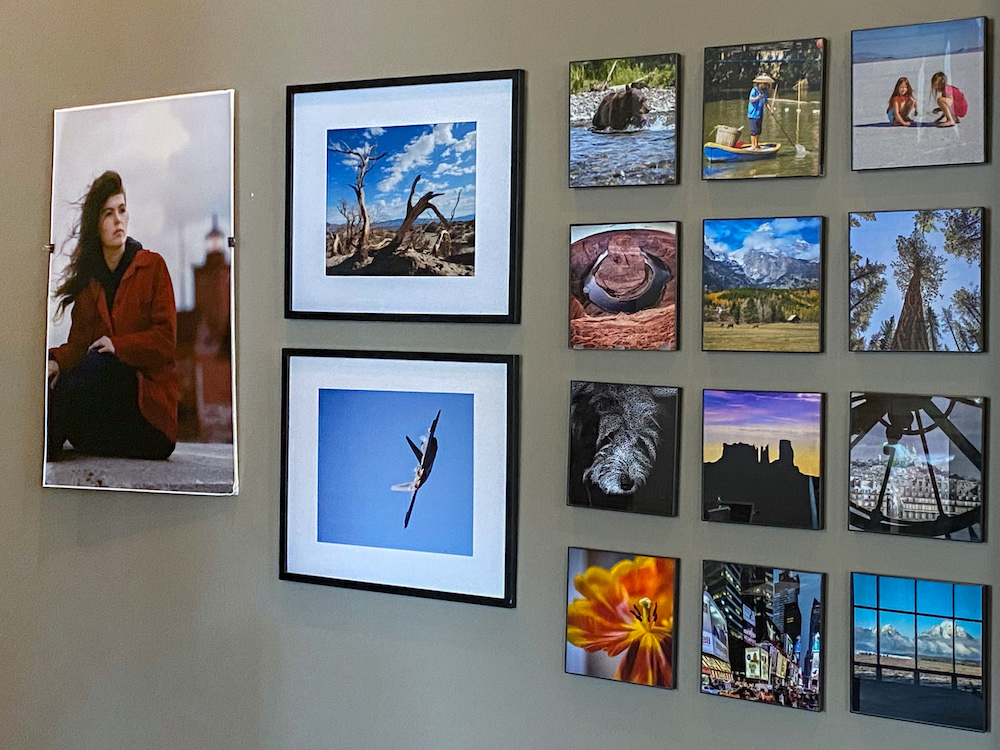
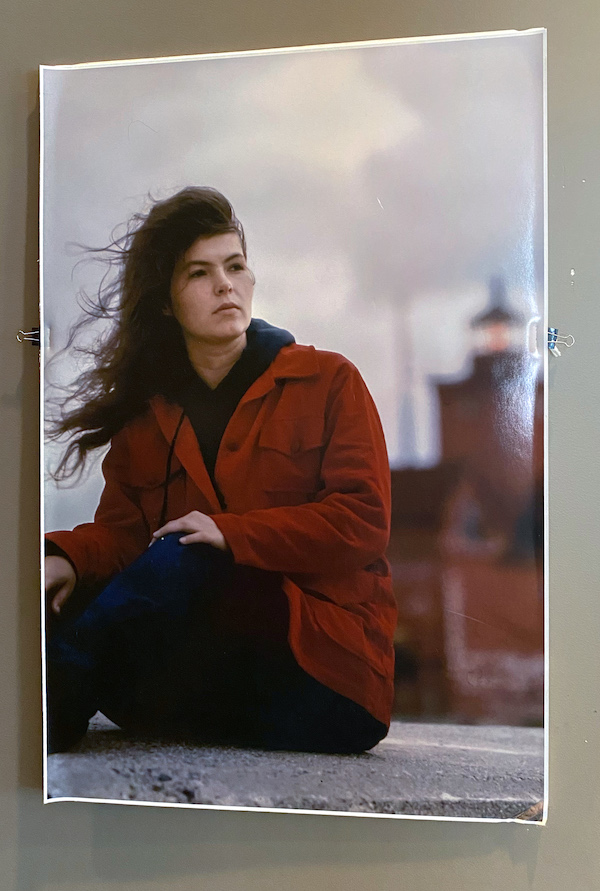
here is a small section of the wall with three different sizes


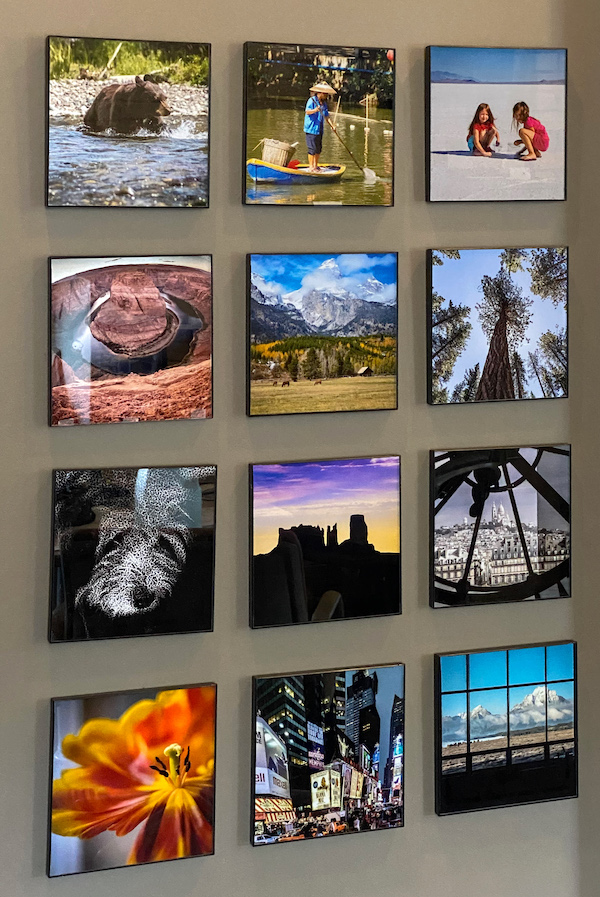
these are all 8″ x 8″ prints


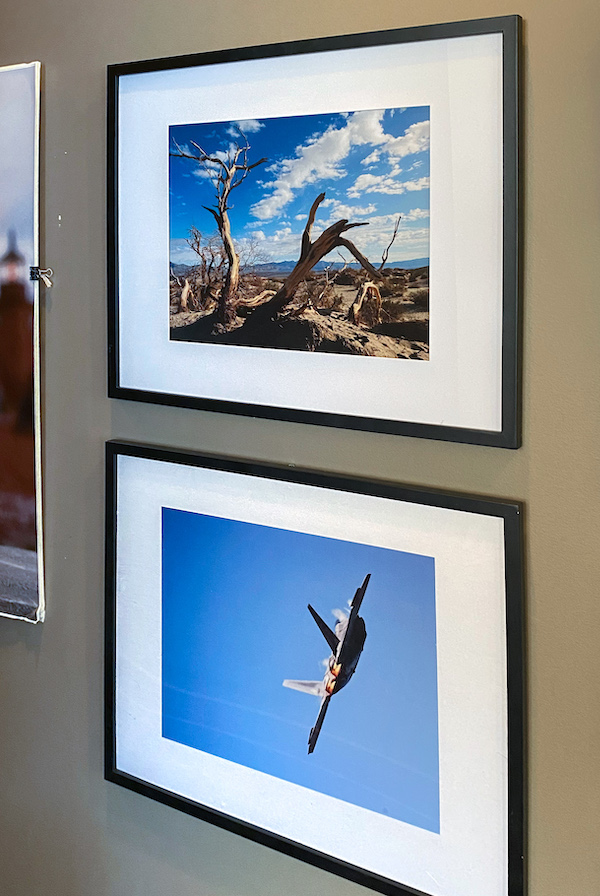
these two prints are mounted in larger 16″ x 20″ frames


this single print is 24″ x 36″


So get those images out of your “To Be Printed” folder.

When your “To Be Printed” folder gets filled again, you can simply change the photos.

Remember that you don’t have to think big; smaller sizes make attractive displays.

Posted in composition, landscapes, photographs, portraits, presentation, scenic, stills, travel, wildlife | Tagged , , , | Comments Off on What to do with your Photos